Create account
To create a Personal account for personal usage, you need to:
Open https://s4.gps-server.net in your browser.
Press on "Create account" button.
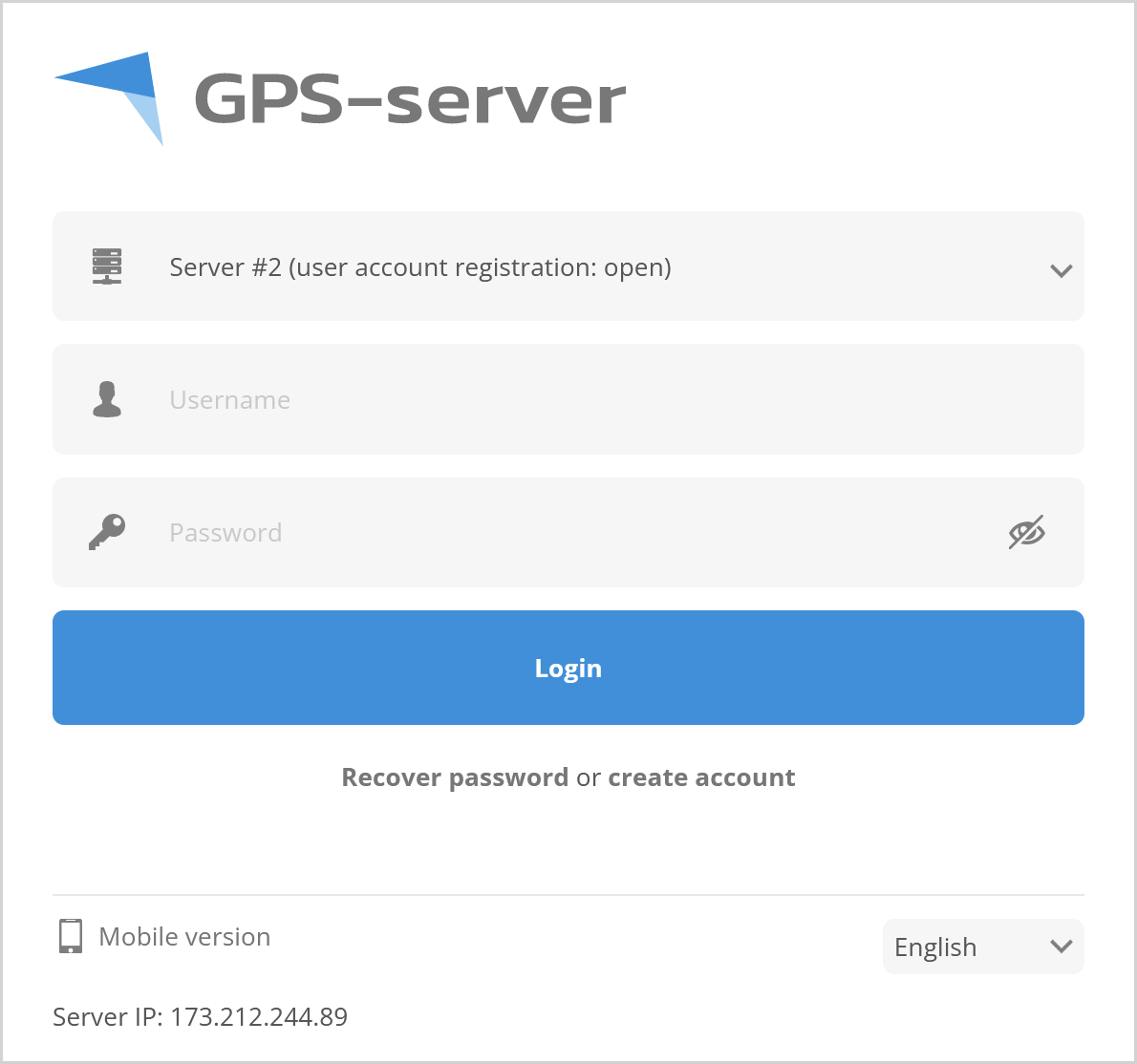
In newly appeared window, enter email for which the account will be created.
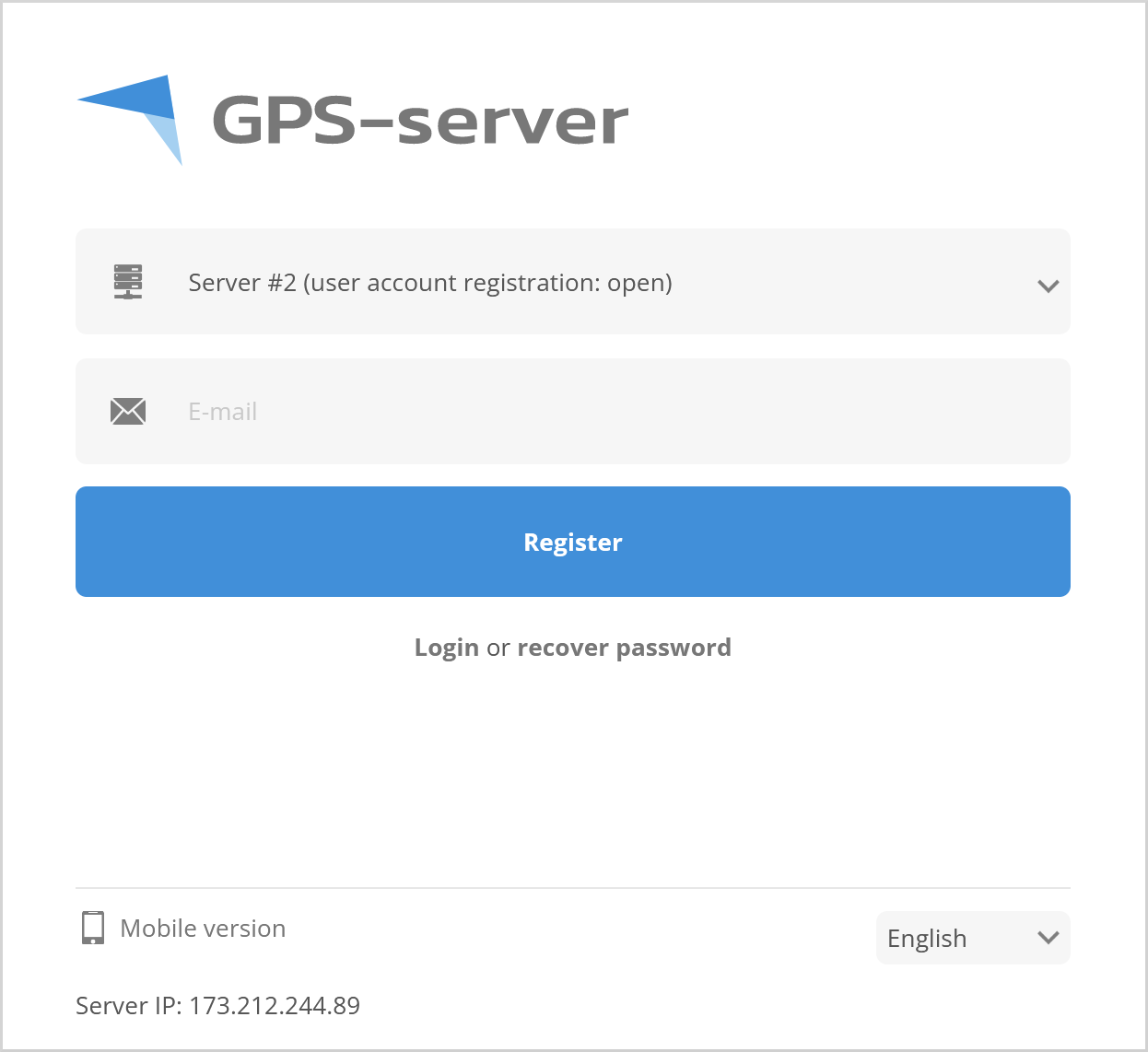
After a few minutes, check mailbox of entered email for login details.
Demo account
Account with moving objects and test data to check software capabilities, settings are just for reference and can't be edited.
Demo account access details:
Username: demo
Password: demo123
Hosted server
Access to the Hosted server is provided only after purchasing a Hosted server plan.
Please contact us at info@gps-server.net for more details.