Apps
The Apps section allows the Super Administrator to add links to external applications, which will then be visible to users under the Apps menu in their accounts.
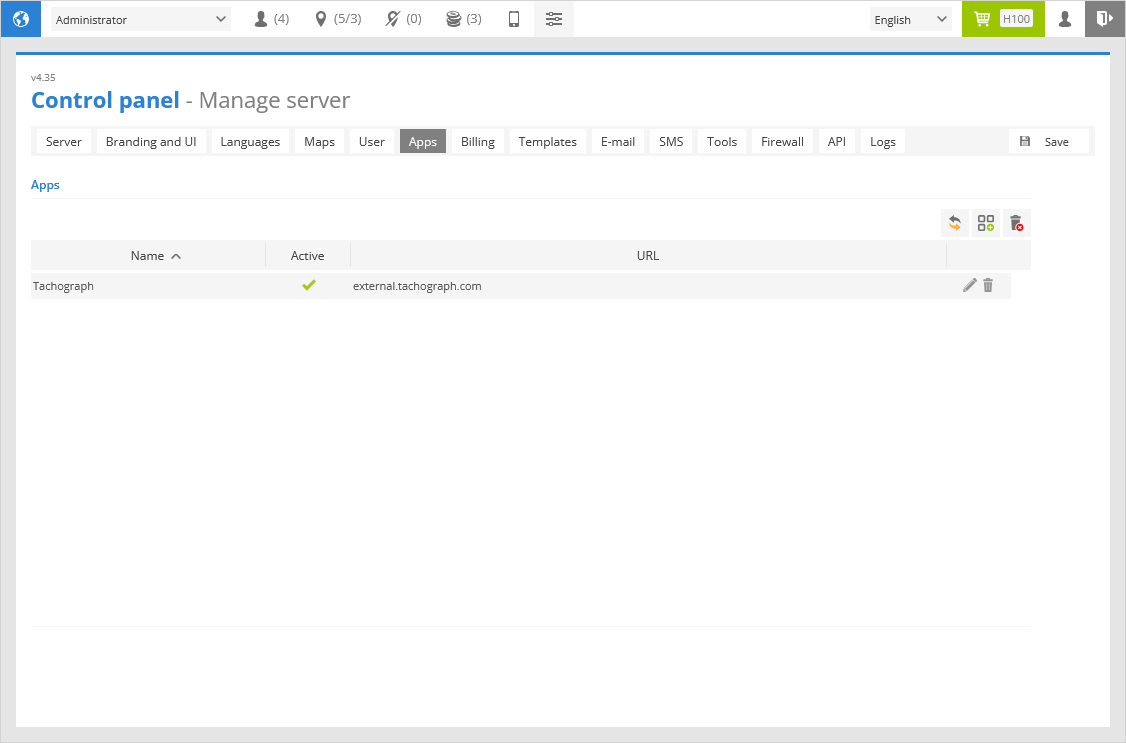
In this section, you can create, edit, and delete External Apps records that will be visible for Hosted server clients.
 - reload the list.
 - add an App link.
 - remove all App links.
Name - App link name.
Active - enabled or disabled.
URL - address of the external application.
 - edit the App link.
 - delete the App link.
App properties
To create a new App link record click button in the Apps section.
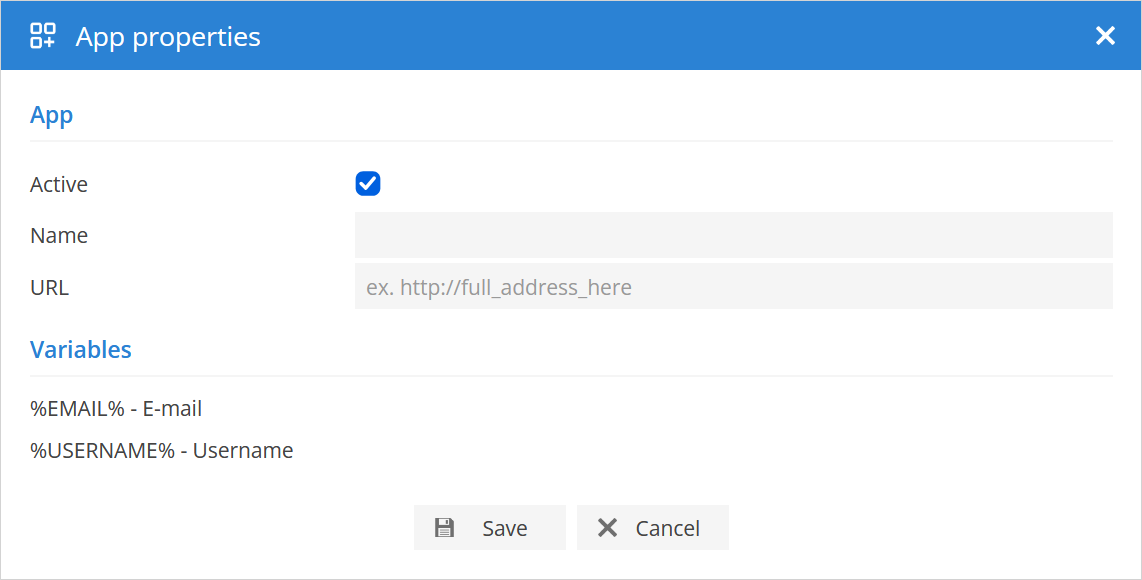
App
Active - enabled or disabled.
Name - App link name.
URL - address of the external application. Variables can be used in it.
Variables
%EMAIL% - E-mail - replaced with the e-mail of the user.
%USERNAME% - Username - replaced with the username of the user.